
For creators, writers and reviewers
Press and creator kit
Last updated 25 November 2026
Everything you need to write about Zestart or show it in a video. Use any of it freely.
Zestart in one sentence
Zestart is a Mac app that gives people who switched from Windows the things they miss: a taskbar, a Start menu, Alt + Tab between windows, window snapping and Windows keyboard shortcuts.
A longer description
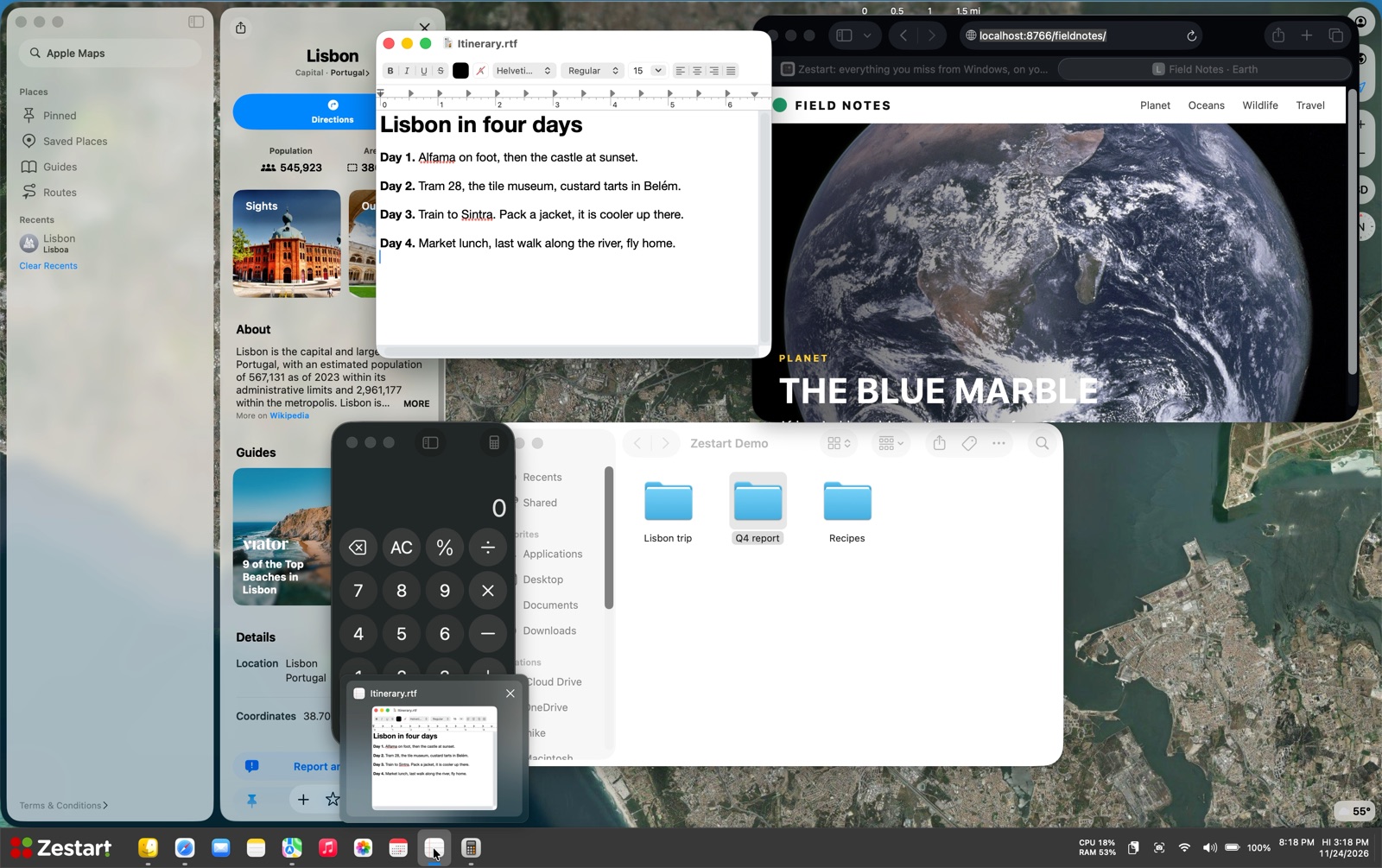
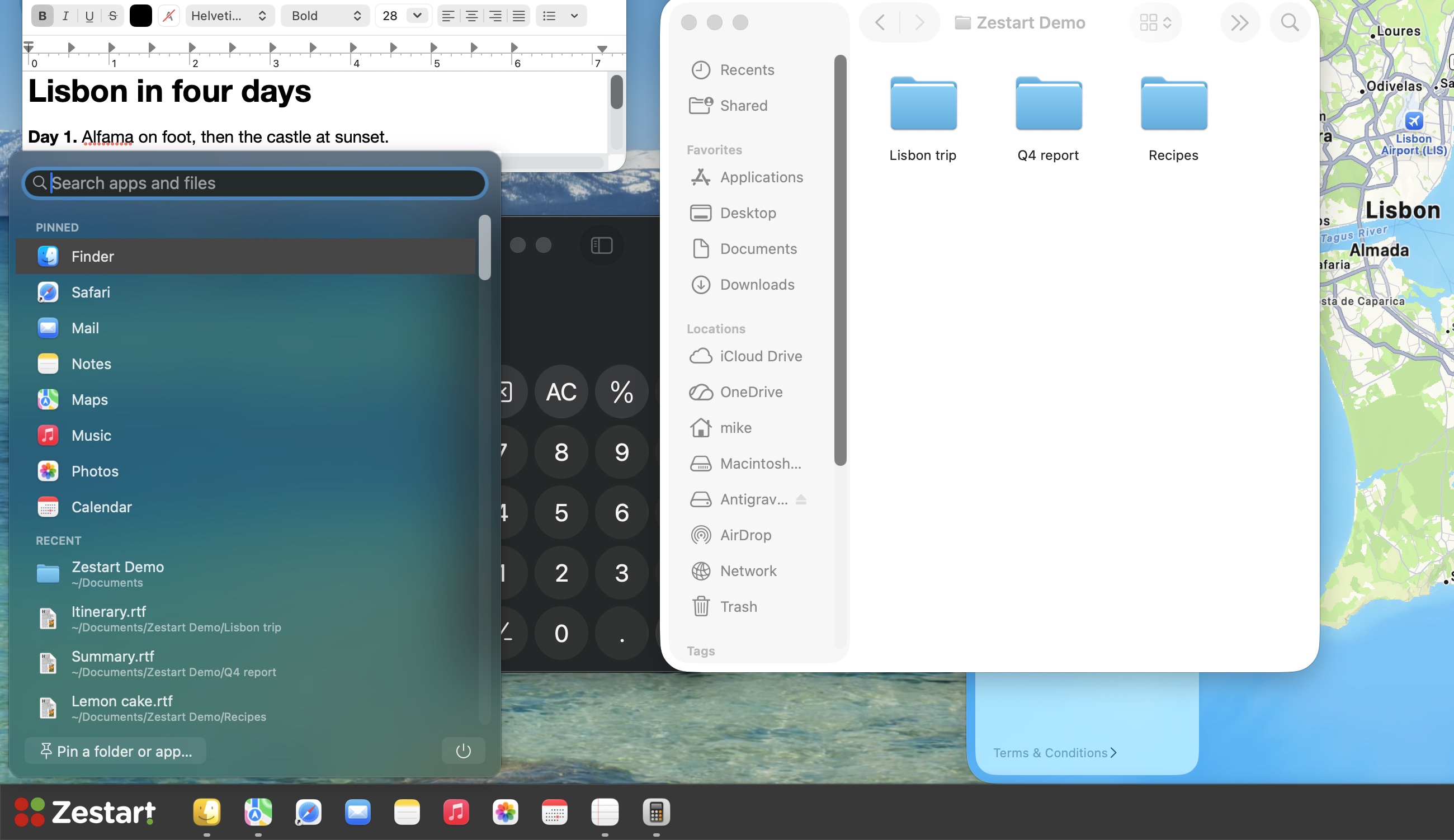
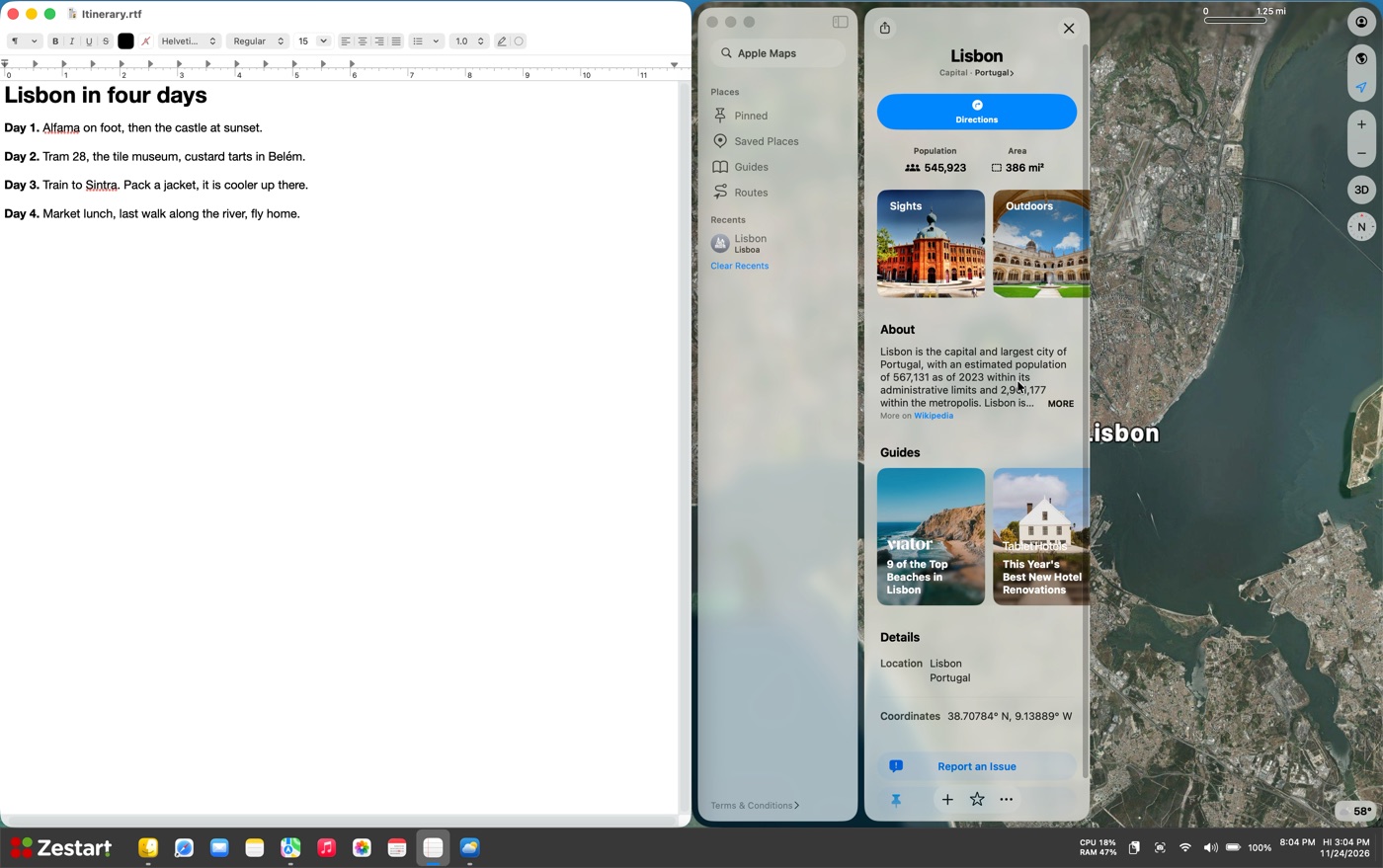
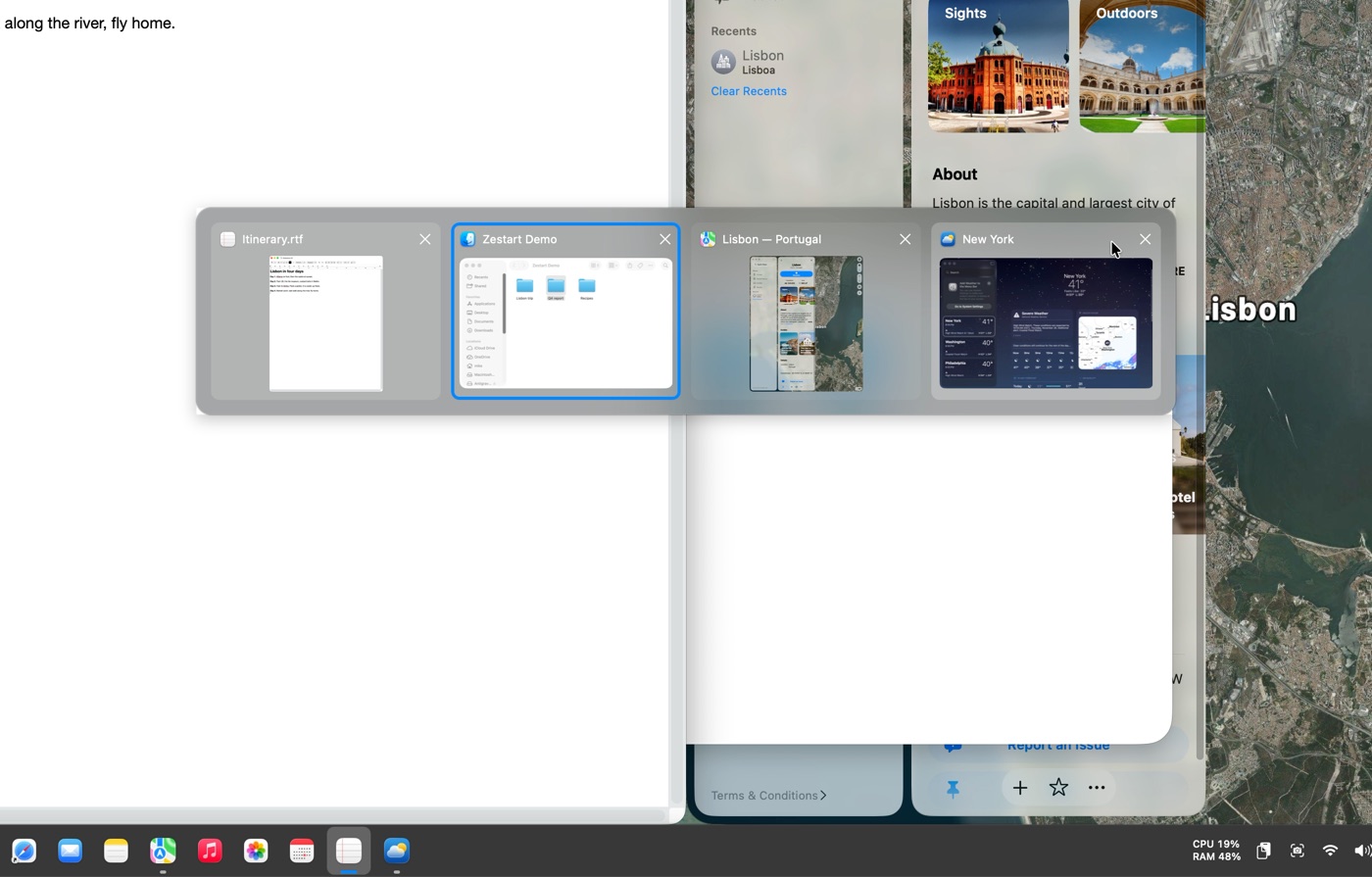
Moving from Windows to a Mac means relearning how to find a window, where Ctrl + C went and why closing a window doesn’t quit the app. Zestart puts the familiar pieces back. A taskbar along the bottom shows every open window, with live previews on hover. A Start button opens a searchable menu of apps and files. Alt + Tab switches between windows, not just apps. Windows snap to halves and quarters, and an optional Windows keyboard layout puts the shortcuts back under your fingers. It is one app at one price, with no subscription and no account.
The facts
- Price: $49, one time. Every version 1 update is free.
- Free trial: 14 days with every feature, no card and no account.
- Licence: one person, up to 2 Macs.
- Needs: macOS 26 or later, on Apple silicon or Intel.
- Languages: English, Spanish, German, French, Simplified Chinese, Japanese, Brazilian Portuguese, Italian and Korean. Zestart follows the Mac’s language. This website is in English.
- Safety: signed with an Apple Developer ID and notarized by Apple.
- Privacy: no account, no analytics, no adverts.
- Refunds: in full within 14 days.
- Made by: CaptureBridge Federal Advisors LLC, doing business as Zestart LLC, in Virginia, USA.
- Download: zestart.app/download
Screenshots
Real screenshots of Zestart running on a Mac. Click any picture to download it at full size.
Download the taskbar alone, as a wide strip.

Logo
Download the logo (PNG, transparent background). Please use the whole logo, the dots together with the word, and don’t recolour or stretch it. It reads best on a dark background.
Video ideas
- I made my Mac work like Windows
- The first app a Windows user should install on a Mac
- I replaced the Mac Dock with a taskbar for a week
- Ten things Windows does better than macOS, and how to get them back
These are only suggestions. Say whatever you think.
Review licences and the creator program
Writing a review? Email support@zestart.app and we’ll send a free licence. If you have an audience and want to earn from sales, see the creator program.